Speech bubbleBoxBlog cardRankingRatingComparison tableRecipeItineraryContentsFAQSupervisorShop links
28 content blocks
Speech bubbles, boxes, blog cards and rankings, the parts Japanese blogs use most, are there from the start.
Plikli is a CMS for blogs and media sites: blocks and themes made for Japanese blogs, SEO and affiliate tools, comments and several sites, in one admin. It imports WordPress posts, images and SEO settings, and creates 301 redirects where URLs change.
Hand or electric: which should I get?
Speech bubbleFor daily use, put an even grind first.
BoxWrite, get found, earn, design and run. What a blog needs, in one admin.
Speech bubbles, boxes, blog cards and rankings, the parts Japanese blogs use most, are there from the start.
Posts worth another look, listed from your search data.
Three shops, one block. Rakuten items have their price and stock refreshed regularly.
Canonical URLs, structured data, sitemaps and RSS, generated for you.
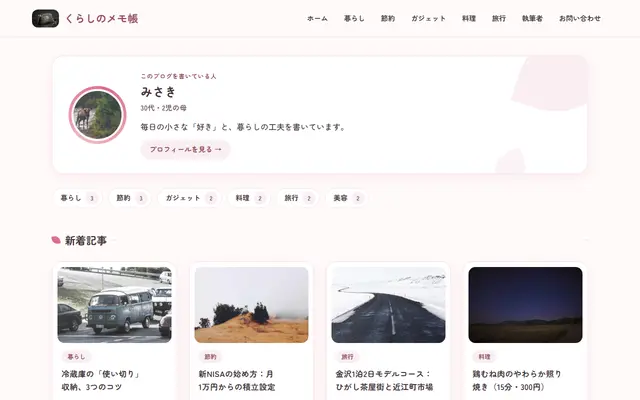
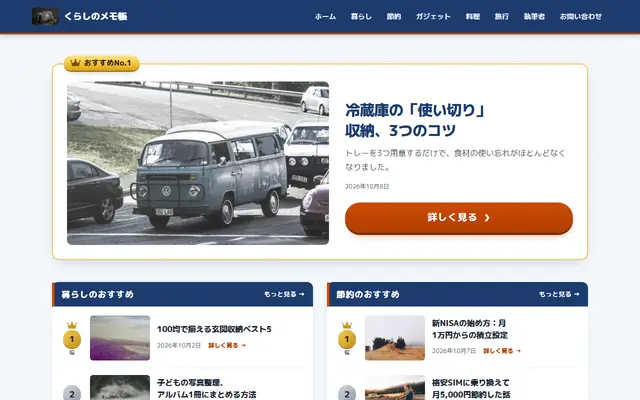

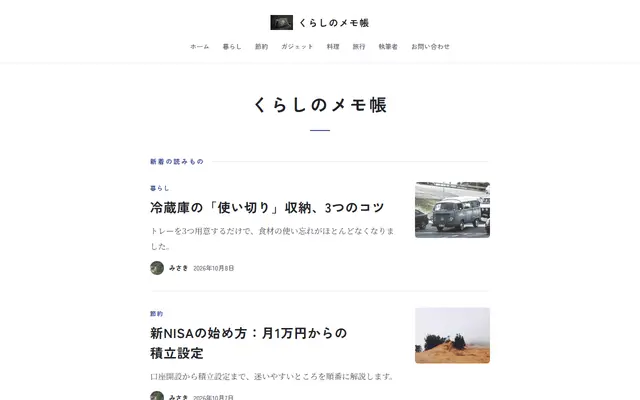
10 made for Japanese blogs. Pick the accent colour and type too.
Roles per site, with two-step sign-in and an audit log.
Includes a file WordPress can import (WXR).
Build posts from blocks and schedule them. Speech bubbles, boxes, blog cards and rankings, the parts Japanese blogs use most, are there from the start.
All the blocks →Structured data and sitemaps are generated for you. Posts that need work are listed from your Search Console data.
More on SEO →Shop links, ads, your store and analytics, all set up in the admin.
More on earning →Japanese themes for personal blogs, affiliate sites, recipes, travel, money and more. Every theme builds its pages on the server.
More on themes →Several sites on one account, with roles, comments, contact messages and security settings in the admin.
More on security →Posts, pages, categories, tags, authors, images, SEO settings and approved comments. URLs stay the same when your permalink structure fits, and get a 301 when they change.
One plan, billed monthly, plus applicable taxes. New sites get 14 days free, no card needed.
Tell us about your current site. We’ll read it and email you an invite link.
How we handle what you send: see the privacy policy.